工具与集成
Tools & Integrations 是连接第三方应用并管理 agents 在运行时可使用的内部工具的中心枢纽。
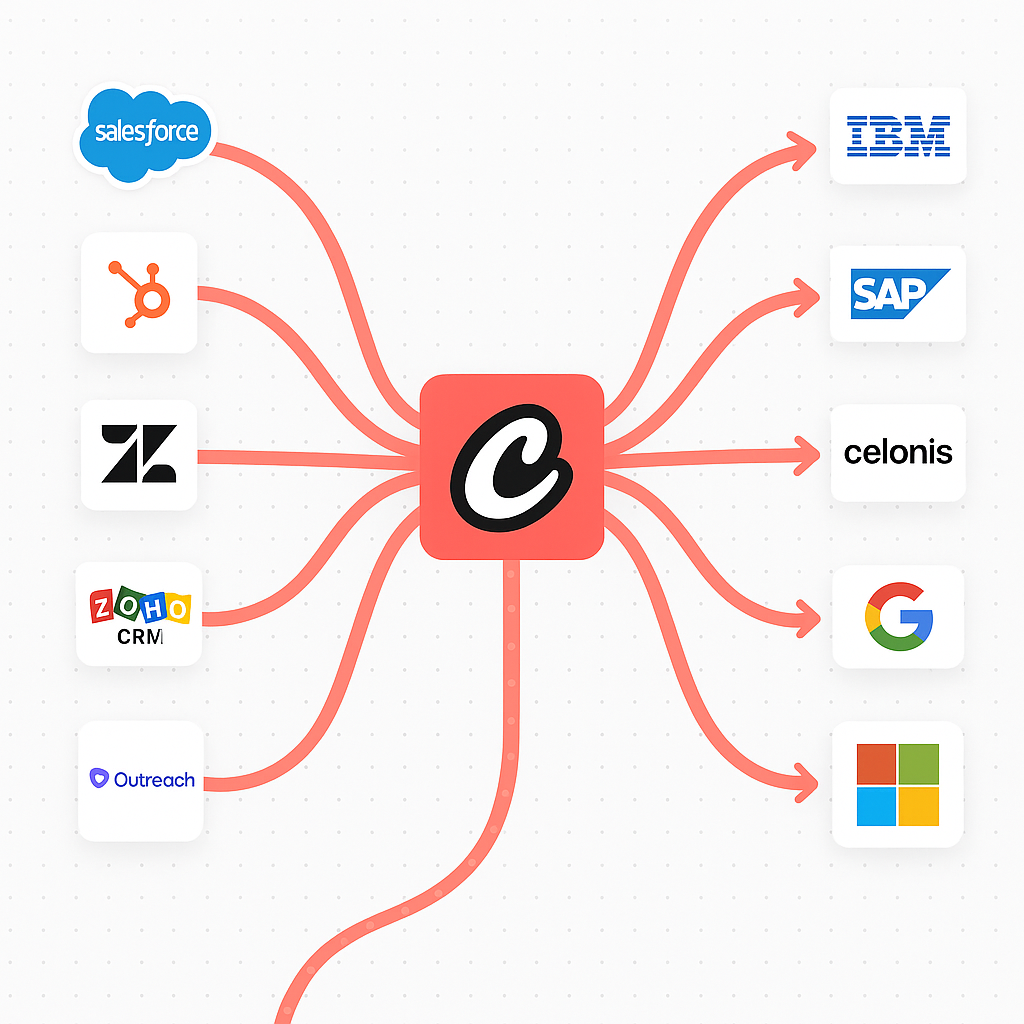
Integrations
Agent 应用(集成)
Section titled “Agent 应用(集成)”通过 OAuth 连接企业级应用(例如 Gmail、Google Drive、HubSpot、Slack),以便启用 agent 操作。
- 连接
在应用上点击 Connect 并完成 OAuth。
- 配置
可选地调整 scopes、triggers 和 action 可用性。
- 在 Agents 中使用
已连接的服务会作为 tools 提供给你的 agents。
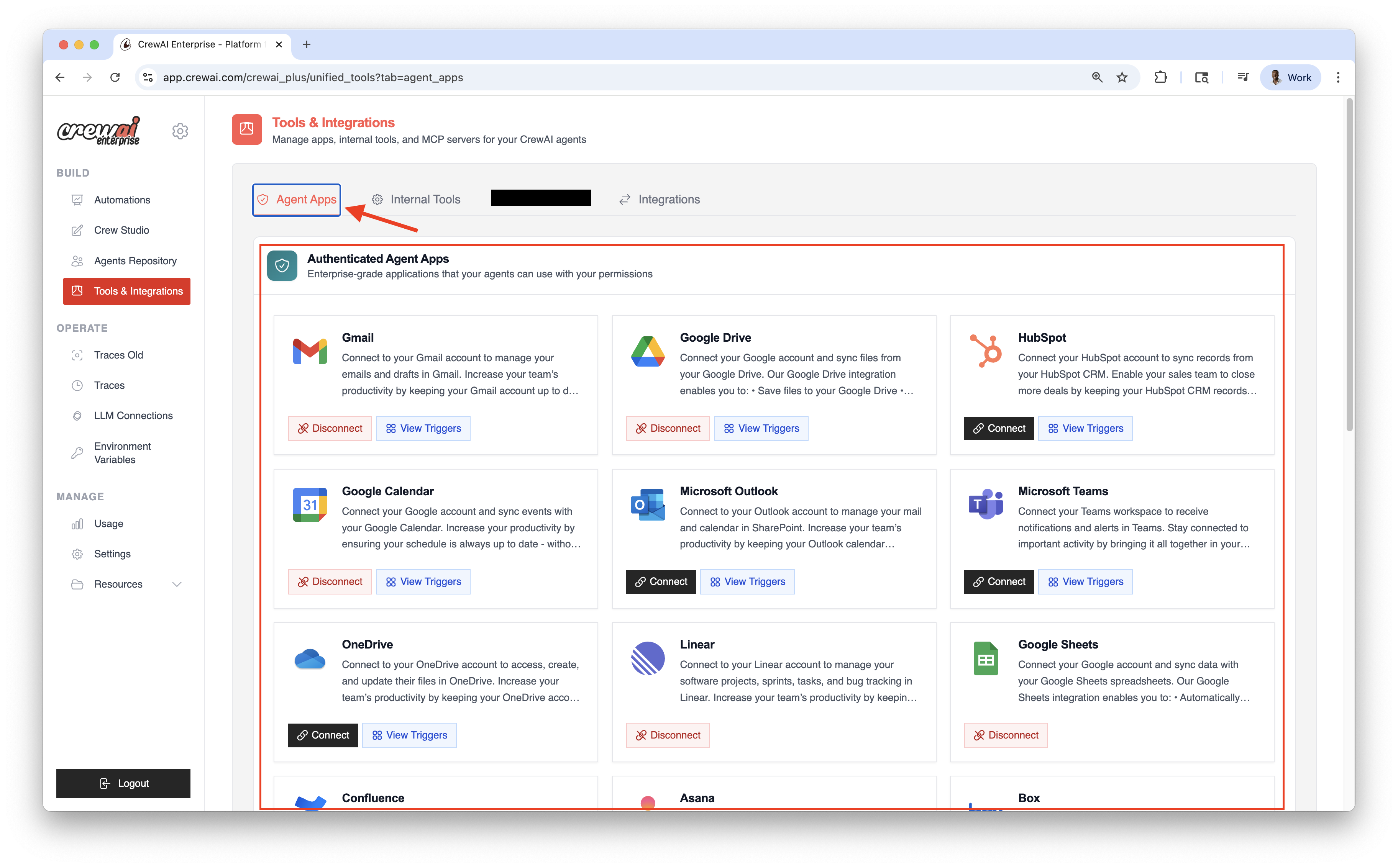
连接你的账户
Section titled “连接你的账户”- 前往 Integrations
- 在目标服务上点击 Connect
- 完成 OAuth 流程并授予 scopes
- 从 Integration Settings 复制你的 Enterprise Token
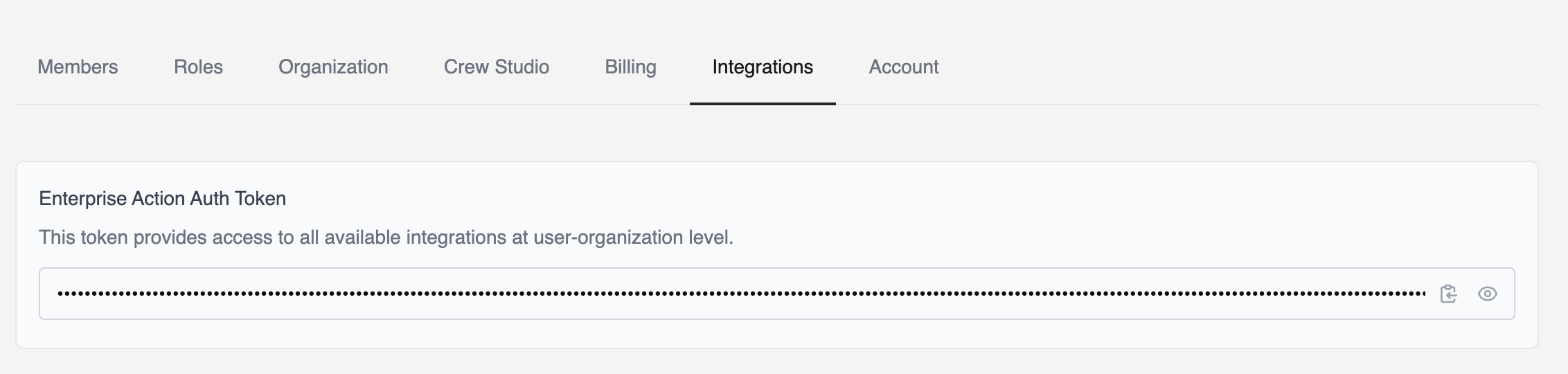
安装集成工具
Section titled “安装集成工具”要在本地使用这些集成,你需要安装最新的 crewai-tools 包。
uv add crewai-tools环境变量设置
Section titled “环境变量设置”export CREWAI_PLATFORM_INTEGRATION_TOKEN="your_enterprise_token"或者把它添加到你的 .env 文件:
CREWAI_PLATFORM_INTEGRATION_TOKEN=your_enterprise_tokenfrom crewai import Agent, Task, Crew
# Create an agent with Gmail capabilitiesemail_agent = Agent( role="Email Manager", goal="Manage and organize email communications", backstory="An AI assistant specialized in email management and communication.", apps=['gmail', 'gmail/send_email'] # Using canonical name 'gmail')
# Task to send an emailemail_task = Task( agent=email_agent, expected_output="Confirmation that email was sent successfully")
# Run the taskcrew = Crew( agents=[email_agent], tasks=[email_task])
# Run the crewcrew.kickoff()from crewai import Agent, Task, Crew
# Create agent with specific Gmail actions onlygmail_agent = Agent( role="Gmail Manager", goal="Manage gmail communications and notifications", backstory="An AI assistant that helps coordinate gmail communications.", apps=['gmail/fetch_emails'] # Using canonical name with specific action)
notification_task = Task( agent=gmail_agent,)
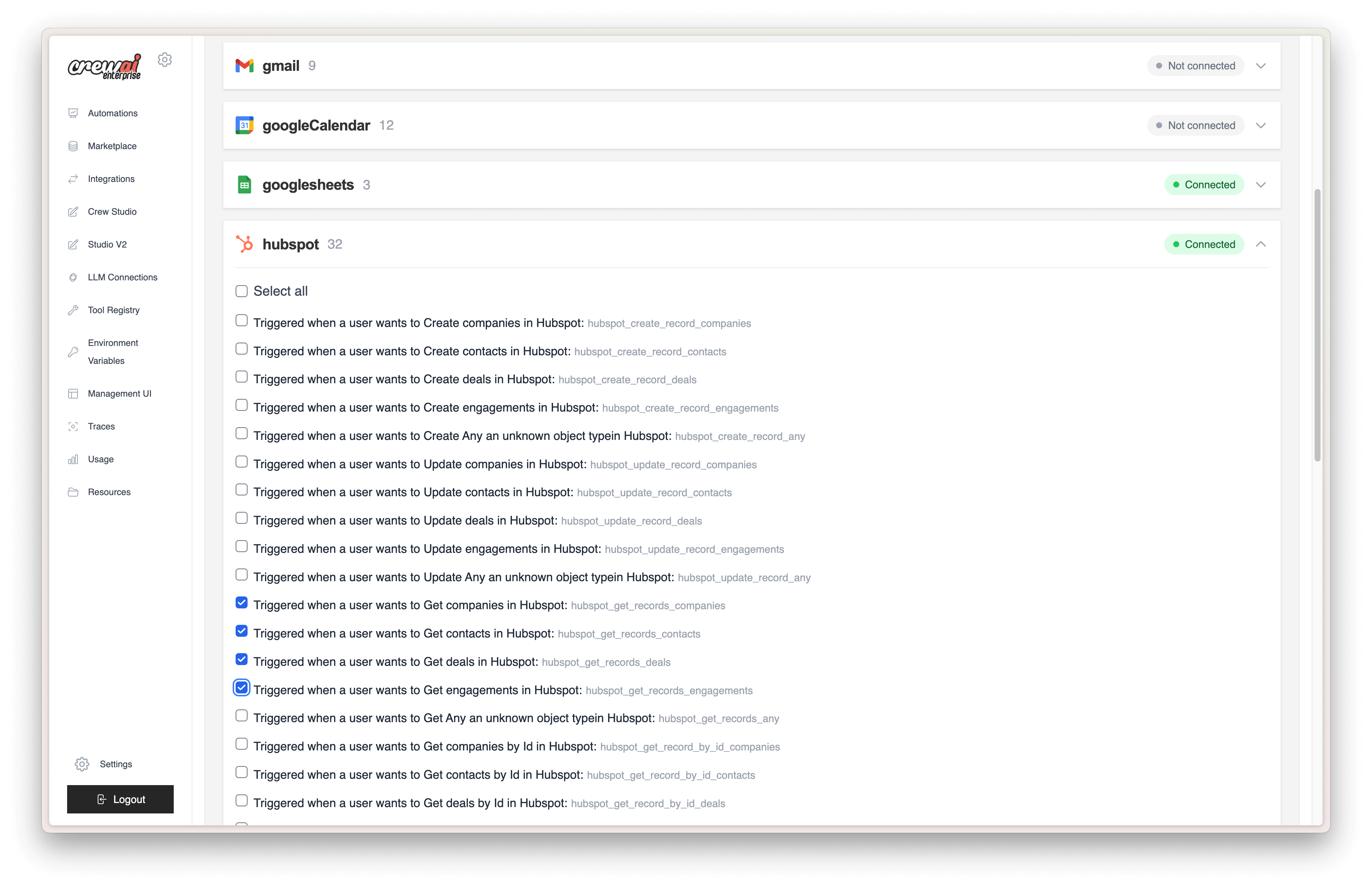
crew = Crew( agents=[gmail_agent], tasks=[notification_task])在已部署的 crew 上,你可以从服务设置页面为每个集成指定可用的 actions。
受限部署(多用户组织)
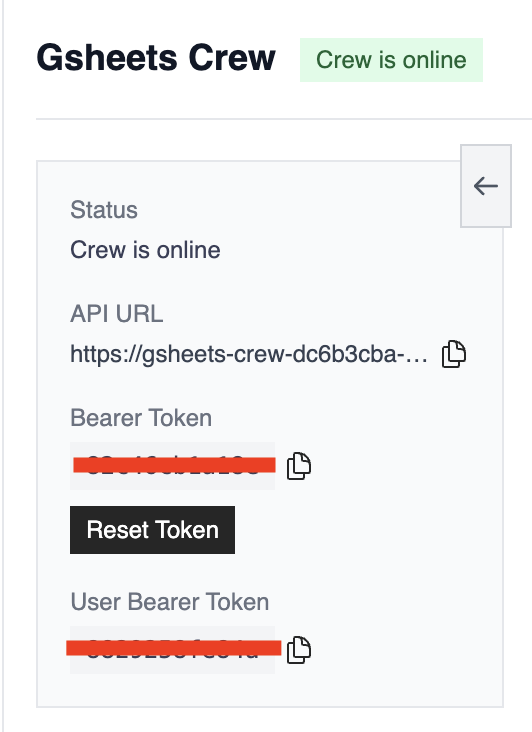
Section titled “受限部署(多用户组织)”你可以将每个集成限定给特定用户。例如,连接 Google 的 crew 可以使用某个指定用户的 Gmail 账户。
使用 user_bearer_token 可将认证限定到发起请求的用户。如果用户未登录,crew 将不会使用已连接的集成。否则,它会回退到该部署配置的默认 bearer token。
- Gmail - 管理邮件和草稿
- Slack - 工作区通知和提醒
- Microsoft - Office 365 和 Teams 集成
- Jira - 问题跟踪和项目管理
- ClickUp - 任务与效率管理
- Asana - 团队任务和项目协作
- Notion - 页面和数据库管理
- Linear - 软件项目和 bug 跟踪
- GitHub - 仓库和 issue 管理
客户关系管理
Section titled “客户关系管理”- Salesforce - CRM 账户和商机管理
- HubSpot - 销售管道和联系人管理
- Zendesk - 客户支持工单管理
- Stripe - 支付处理和客户管理
- Shopify - 电商店铺和商品管理
生产力与存储
Section titled “生产力与存储”- Google Sheets - 电子表格数据同步
- Google Calendar - 事件和日程管理
- Box - 文件存储和文档管理
……后续还会有更多!
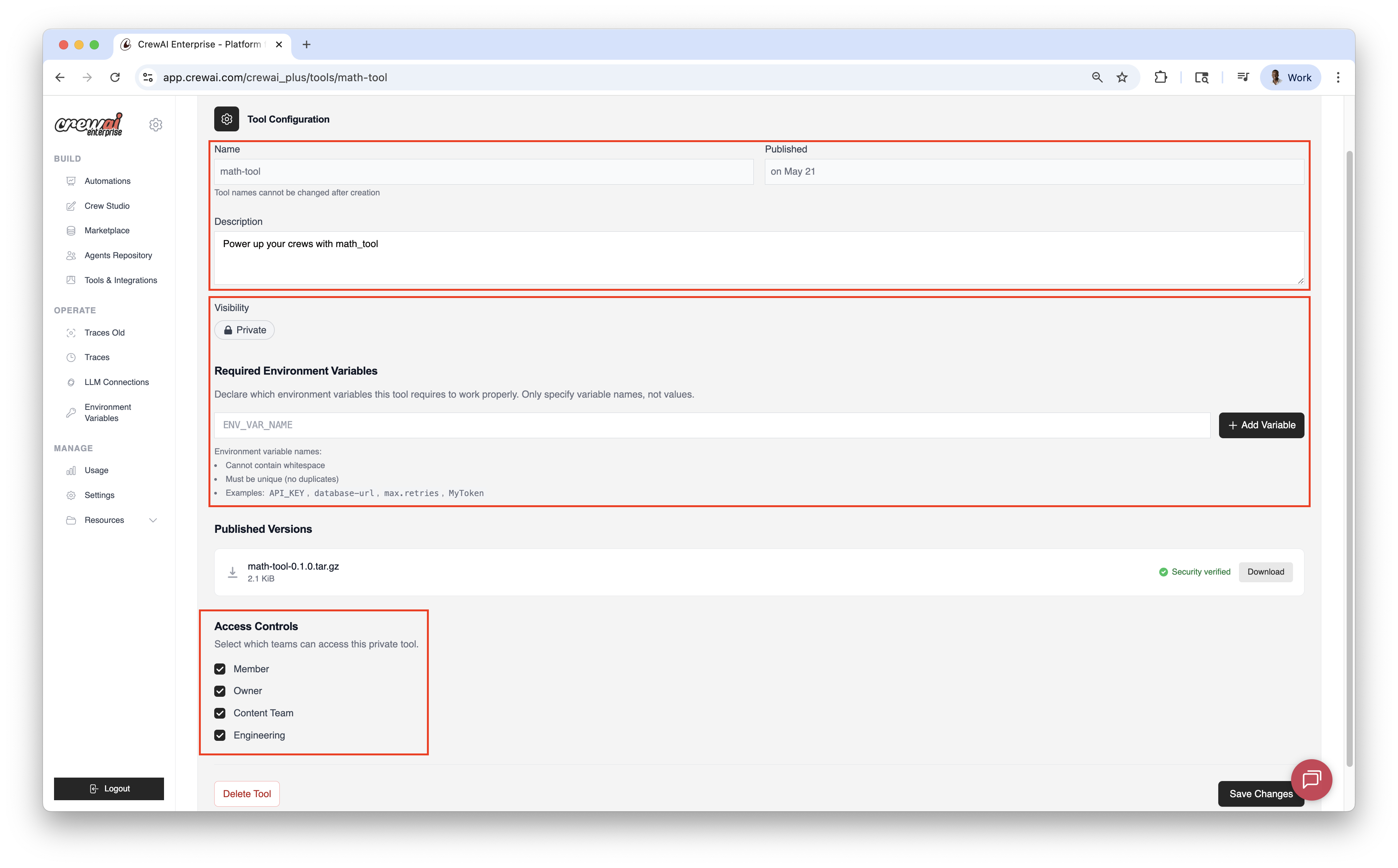
Internal Tools
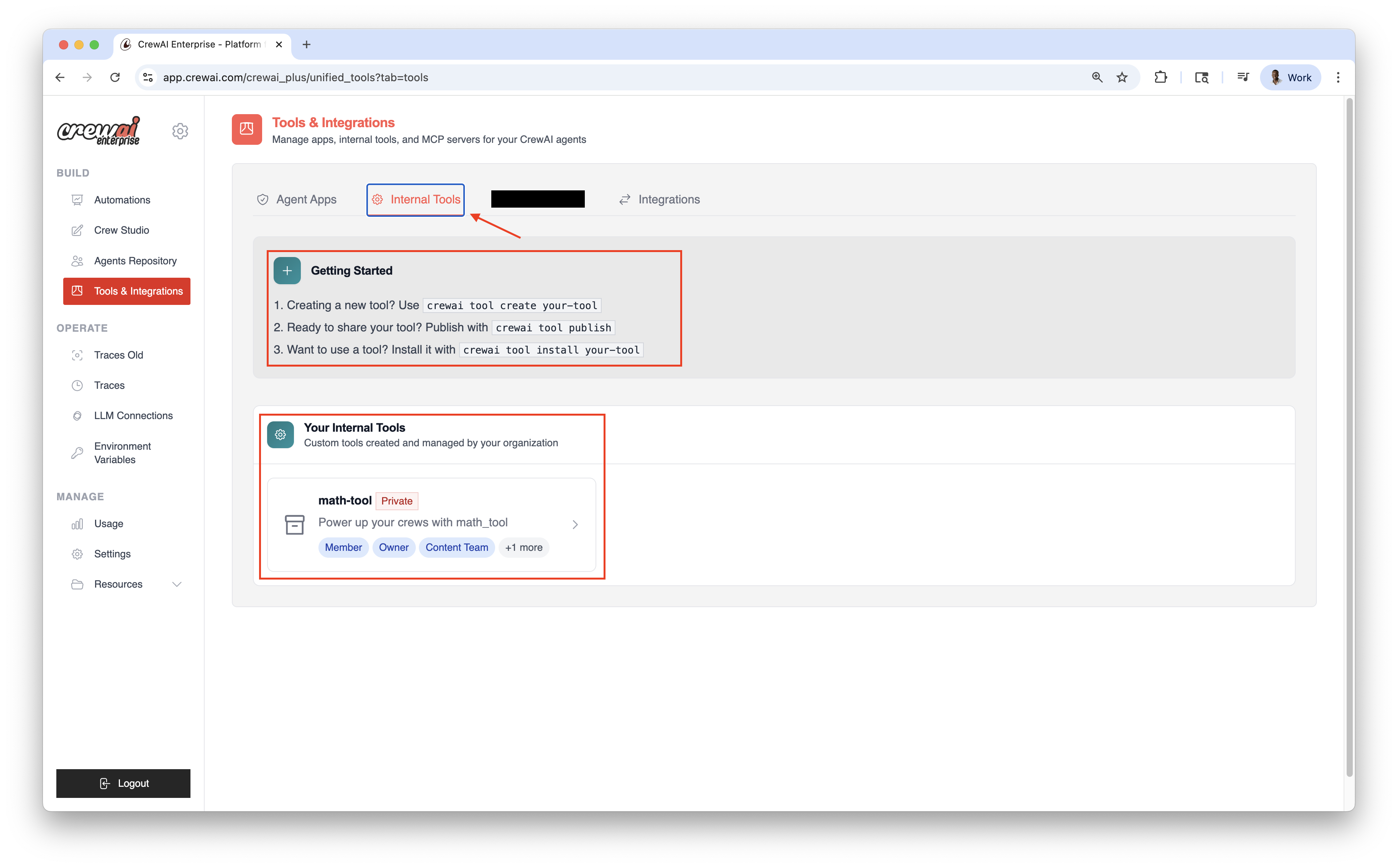
在本地创建自定义工具,将它们发布到 CrewAI AMP Tool Repository,并在你的 agents 中使用。
- 创建
在本地创建一个新工具。
bash crewai tool create your-tool - 发布
将工具发布到 CrewAI AMP Tool Repository。
bash crewai tool publish - 安装
从 CrewAI AMP Tool Repository 安装该工具。
bash crewai tool install your-tool
管理内容包括:
- 名称和描述
- 可见性(Private / Public)
- 所需环境变量
- 版本历史和下载量
- 团队和角色访问