Microsoft Teams Trigger
Overview
Seção intitulada “Overview”Use the Microsoft Teams trigger to start automations whenever a new chat is created. Common patterns include summarizing inbound requests, routing urgent messages to support teams, or creating follow-up tasks in other systems.
Enabling the Microsoft Teams Trigger
Seção intitulada “Enabling the Microsoft Teams Trigger”- Open your deployment in CrewAI AMP
- Go to the Triggers tab
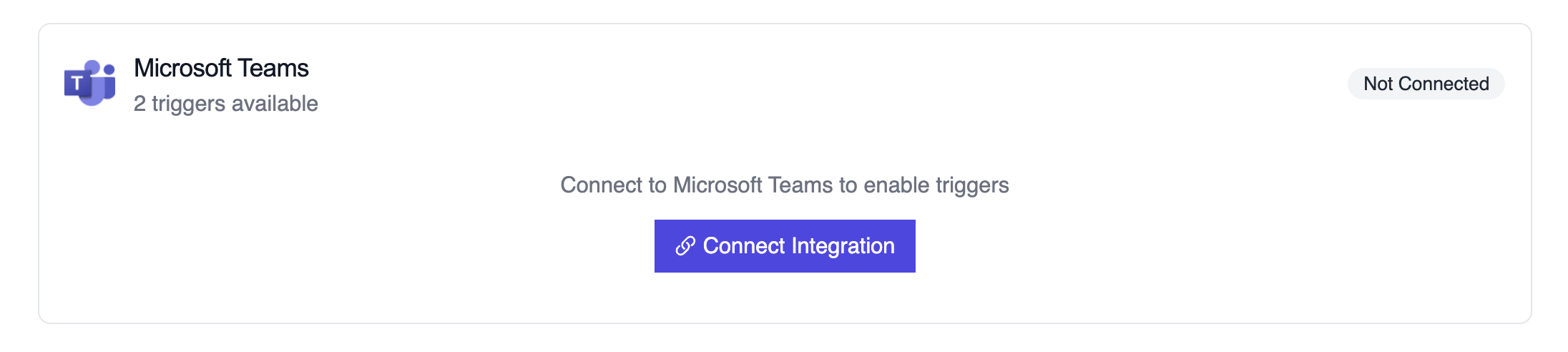
- Locate Microsoft Teams and switch the toggle to enable
Example: Summarize a new chat thread
Seção intitulada “Example: Summarize a new chat thread”from teams_chat_created_crew import MicrosoftTeamsChatTrigger
crew = MicrosoftTeamsChatTrigger().crew()result = crew.kickoff({ "crewai_trigger_payload": teams_payload,})print(result.raw)The crew parses thread metadata (subject, created time, roster) and generates an action plan for the receiving team.
Testando Localmente
Seção intitulada “Testando Localmente”Teste sua integração de trigger do Microsoft Teams localmente usando a CLI da CrewAI:
# Visualize todos os triggers disponíveiscrewai triggers list
# Simule um trigger do Microsoft Teams com payload realistacrewai triggers run microsoft_teams/teams_message_created
O comando crewai triggers run executará sua crew com um payload completo do Teams, permitindo que você teste sua lógica de parsing antes do deployment.
Troubleshooting
Seção intitulada “Troubleshooting”- Ensure the Teams connection is active; it must be refreshed if the tenant revokes permissions
- Teste localmente com
crewai triggers run microsoft_teams/teams_message_createdpara ver a estrutura exata do payload - Confirm the webhook subscription in Microsoft 365 is still valid if payloads stop arriving
- Review execution logs for payload shape mismatches—Graph notifications may omit fields when a chat is private or restricted
- Lembre-se: use
crewai triggers run(nãocrewai run) para simular execução de trigger