Google Drive Trigger
Overview
Seção intitulada “Overview”Trigger your automations when files are created, updated, or removed in Google Drive. Typical workflows include summarizing newly uploaded content, enforcing sharing policies, or notifying owners when critical files change.
Enabling the Google Drive Trigger
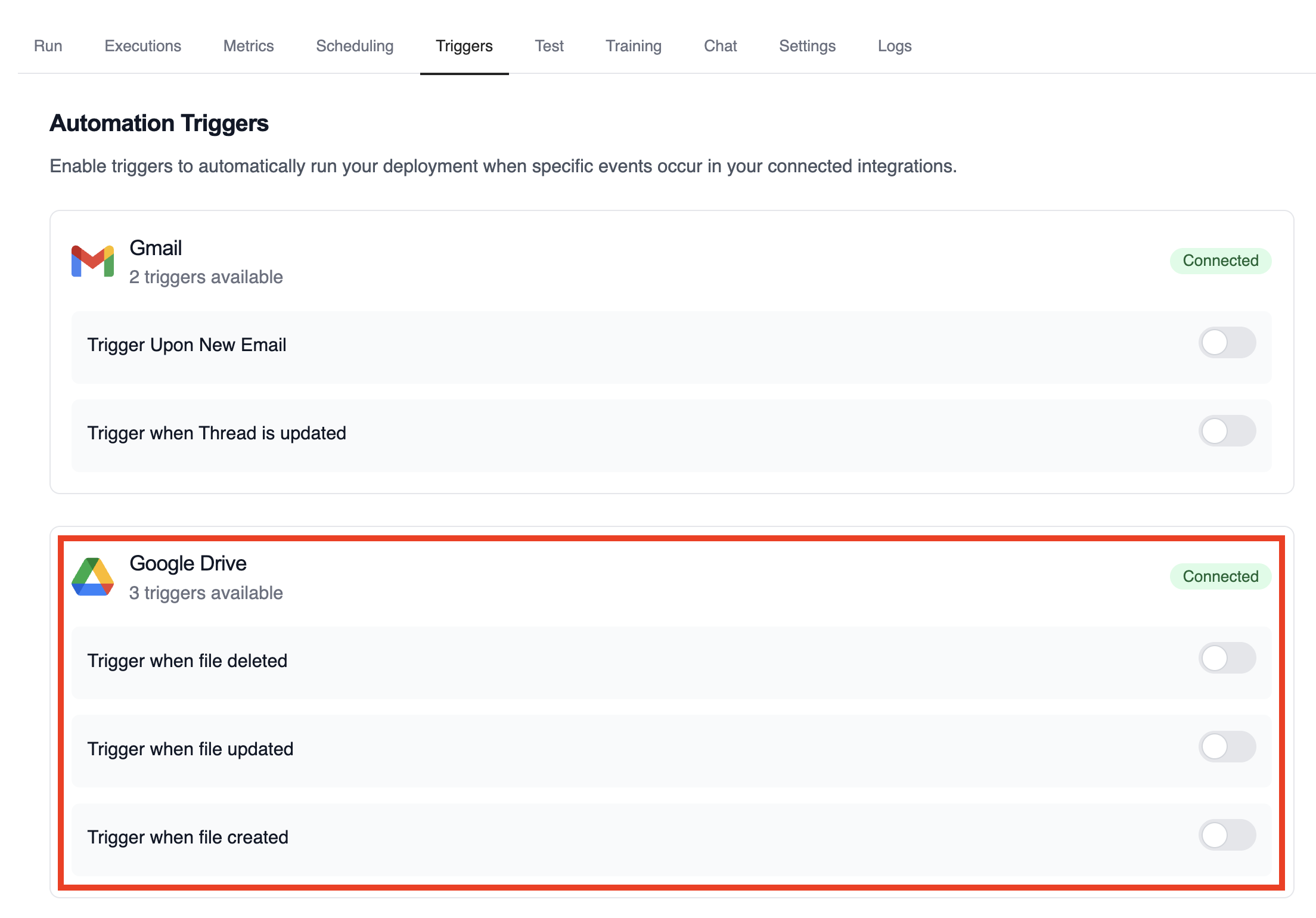
Seção intitulada “Enabling the Google Drive Trigger”- Open your deployment in CrewAI AMP
- Go to the Triggers tab
- Locate Google Drive and switch the toggle to enable
Example: Summarize file activity
Seção intitulada “Example: Summarize file activity”The drive example crews parse the payload to extract file metadata, evaluate permissions, and publish a summary.
from drive_file_crew import GoogleDriveFileTrigger
crew = GoogleDriveFileTrigger().crew()crew.kickoff({    "crewai_trigger_payload": drive_payload,})
Testando Localmente
Seção intitulada “Testando Localmente”Teste sua integração de trigger do Google Drive localmente usando a CLI da CrewAI:
# Visualize todos os triggers disponíveiscrewai triggers list
# Simule um trigger do Google Drive com payload realistacrewai triggers run google_drive/file_changed
O comando crewai triggers run executará sua crew com um payload completo do Drive, permitindo que você teste sua lógica de parsing antes do deployment.
Monitoring Executions
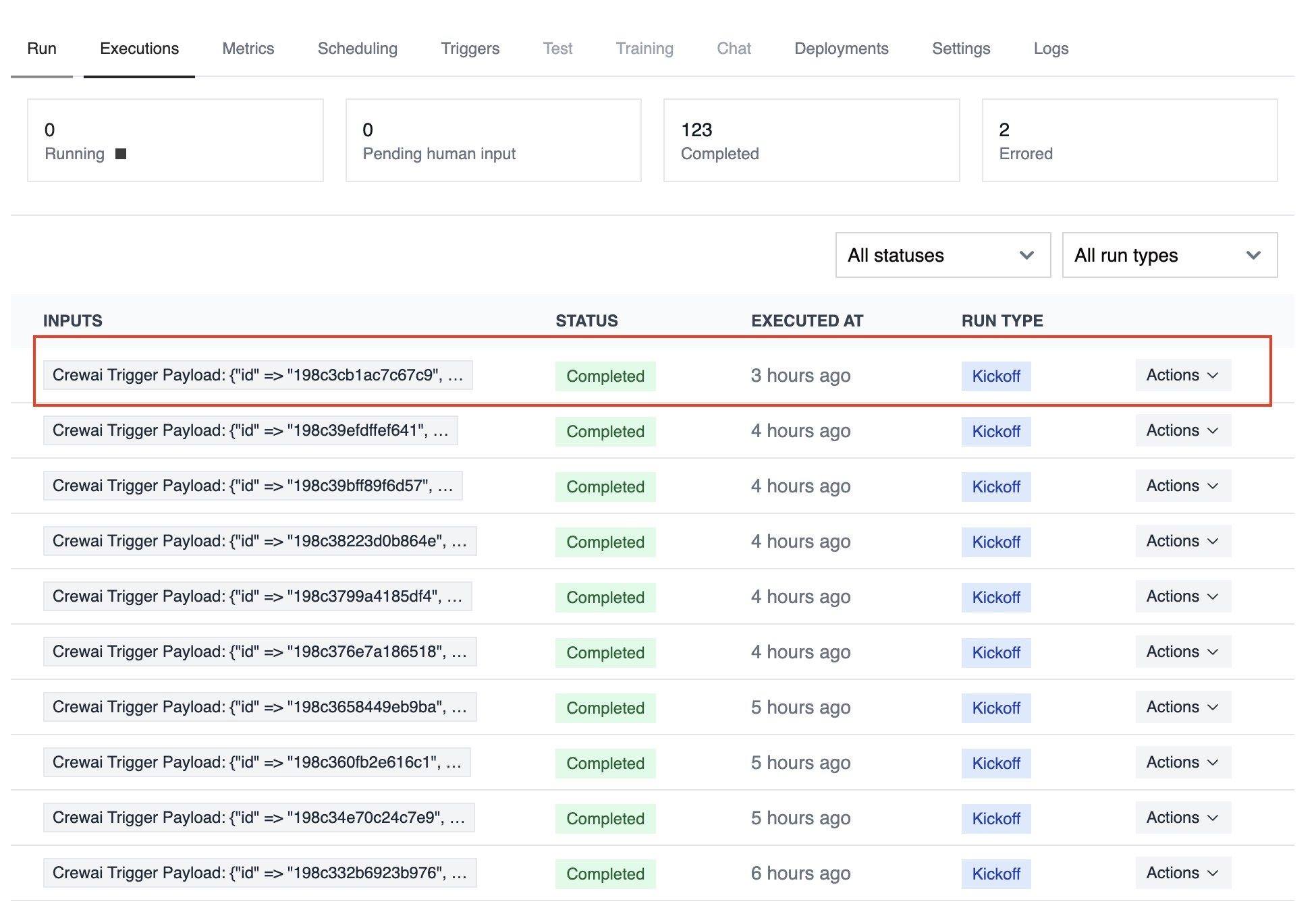
Seção intitulada “Monitoring Executions”Track history and performance of triggered runs with the Executions list in the deployment dashboard.
Troubleshooting
Seção intitulada “Troubleshooting”- Verify Google Drive is connected and the trigger toggle is enabled
- Teste localmente com
crewai triggers run google_drive/file_changedpara ver a estrutura exata do payload - If a payload is missing permission data, ensure the connected account has access to the file or folder
- The trigger sends file IDs only; use the Drive API if you need to fetch binary content during the crew run
- Lembre-se: use
crewai triggers run(nãocrewai run) para simular execução de trigger