Google Calendar Trigger
Overview
Seção intitulada “Overview”Use the Google Calendar trigger to launch automations whenever calendar events change. Common use cases include briefing a team before a meeting, notifying stakeholders when a critical event is cancelled, or summarizing daily schedules.
Enabling the Google Calendar Trigger
Seção intitulada “Enabling the Google Calendar Trigger”- Open your deployment in CrewAI AMP
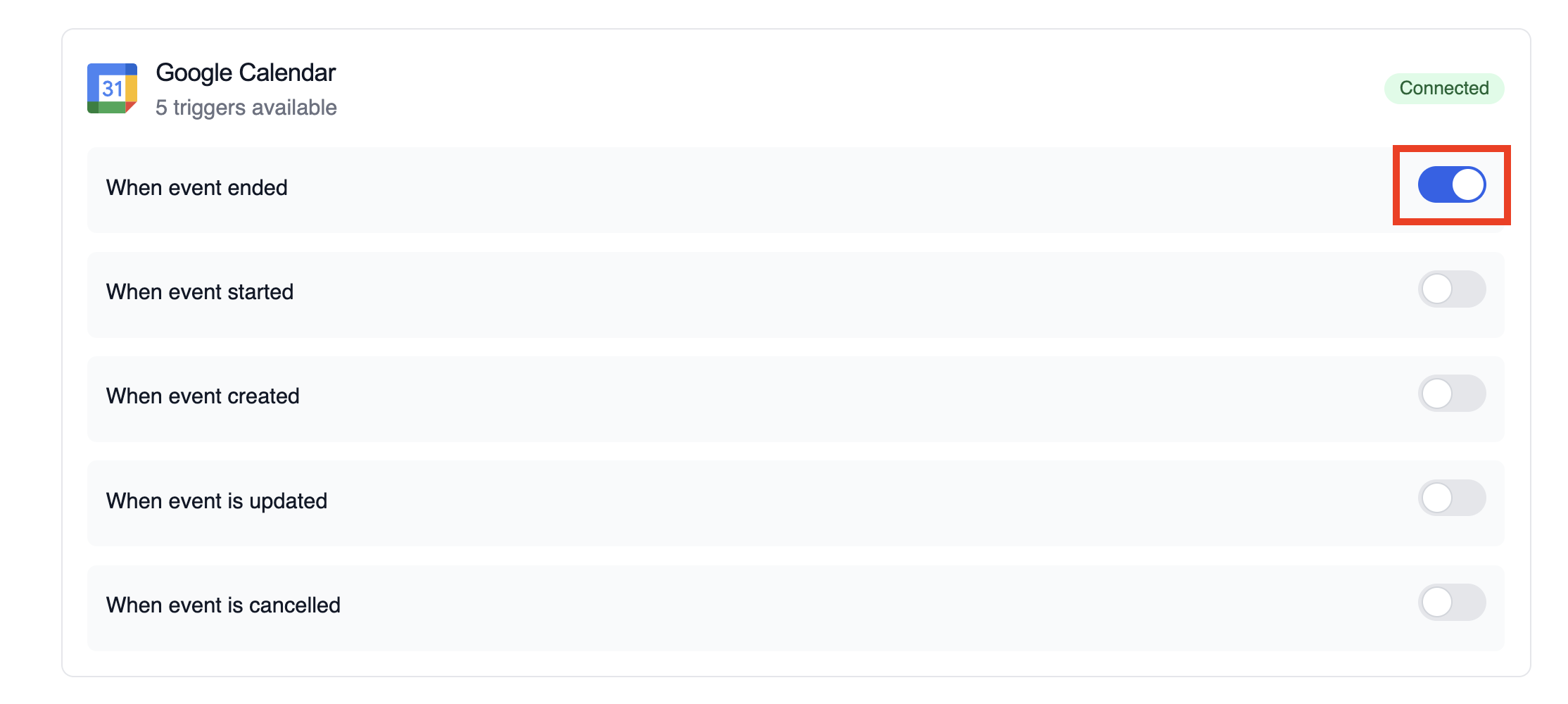
- Go to the Triggers tab
- Locate Google Calendar and switch the toggle to enable
Example: Summarize meeting details
Seção intitulada “Example: Summarize meeting details”The snippet below mirrors the calendar-event-crew.py example in the trigger repository. It parses the payload, analyses the attendees and timing, and produces a meeting brief for downstream tools.
from calendar_event_crew import GoogleCalendarEventTrigger
crew = GoogleCalendarEventTrigger().crew()result = crew.kickoff({    "crewai_trigger_payload": calendar_payload,})print(result.raw)
Use crewai_trigger_payload exactly as it is delivered by the trigger so the crew can extract the proper fields.
Testando Localmente
Seção intitulada “Testando Localmente”Teste sua integração de trigger do Google Calendar localmente usando a CLI da CrewAI:
# Visualize todos os triggers disponíveiscrewai triggers list
# Simule um trigger do Google Calendar com payload realistacrewai triggers run google_calendar/event_changed
O comando crewai triggers run executará sua crew com um payload completo do Calendar, permitindo que você teste sua lógica de parsing antes do deployment.
Monitoring Executions
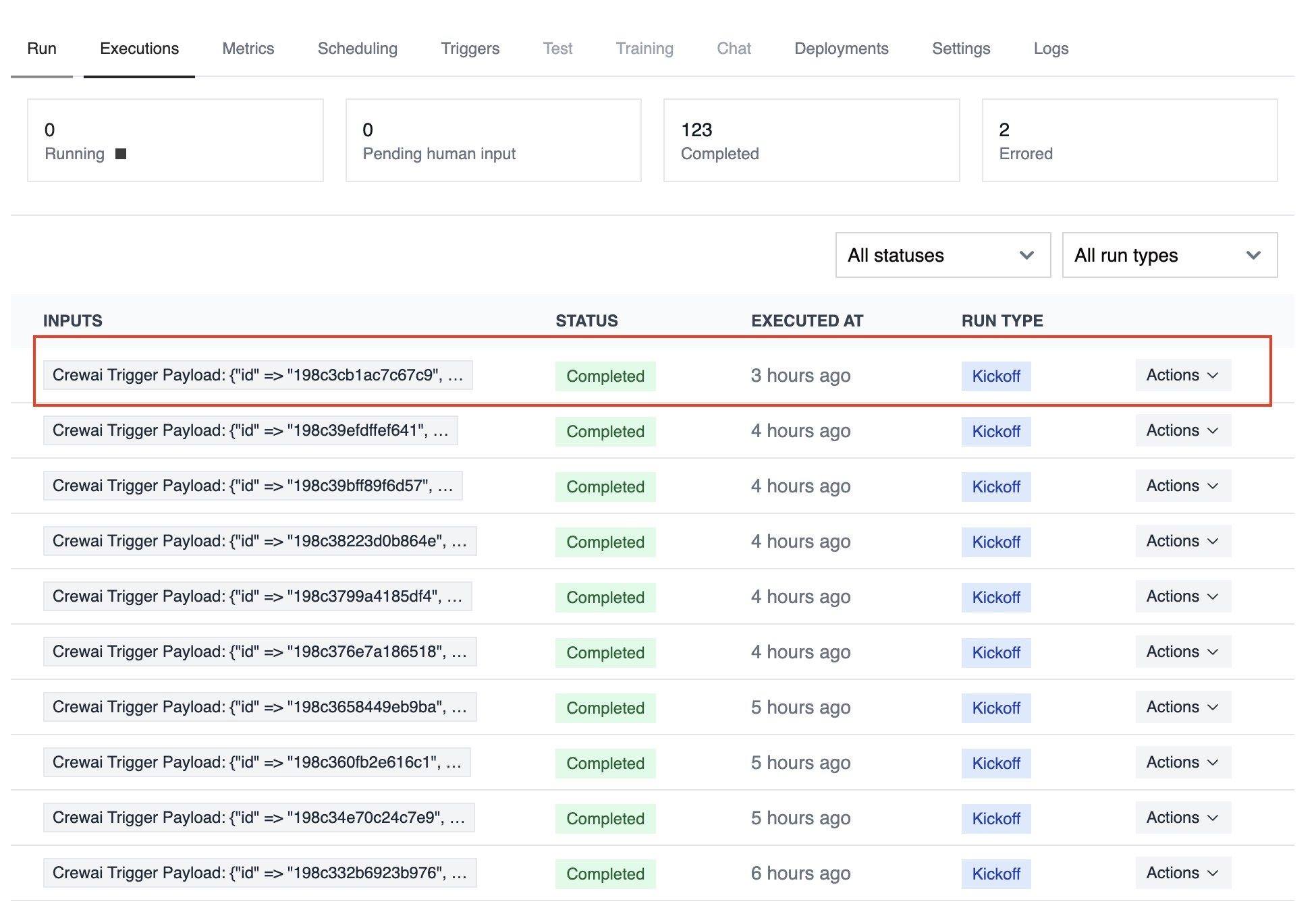
Seção intitulada “Monitoring Executions”The Executions list in the deployment dashboard tracks every triggered run and surfaces payload metadata, output summaries, and errors.
Troubleshooting
Seção intitulada “Troubleshooting”- Ensure the correct Google account is connected and the trigger is enabled
- Teste localmente com
crewai triggers run google_calendar/event_changedpara ver a estrutura exata do payload - Confirm your workflow handles all-day events (payloads use
start.dateandend.dateinstead of timestamps) - Check execution logs if reminders or attendee arrays are missing—calendar permissions can limit fields in the payload
- Lembre-se: use
crewai triggers run(nãocrewai run) para simular execução de trigger