OneDrive Trigger
Overview
섹션 제목: “Overview”Start automations when files change inside OneDrive. You can generate audit summaries, notify security teams about external sharing, or update downstream line-of-business systems with new document metadata.
Enabling the OneDrive Trigger
섹션 제목: “Enabling the OneDrive Trigger”- Open your deployment in CrewAI AMP
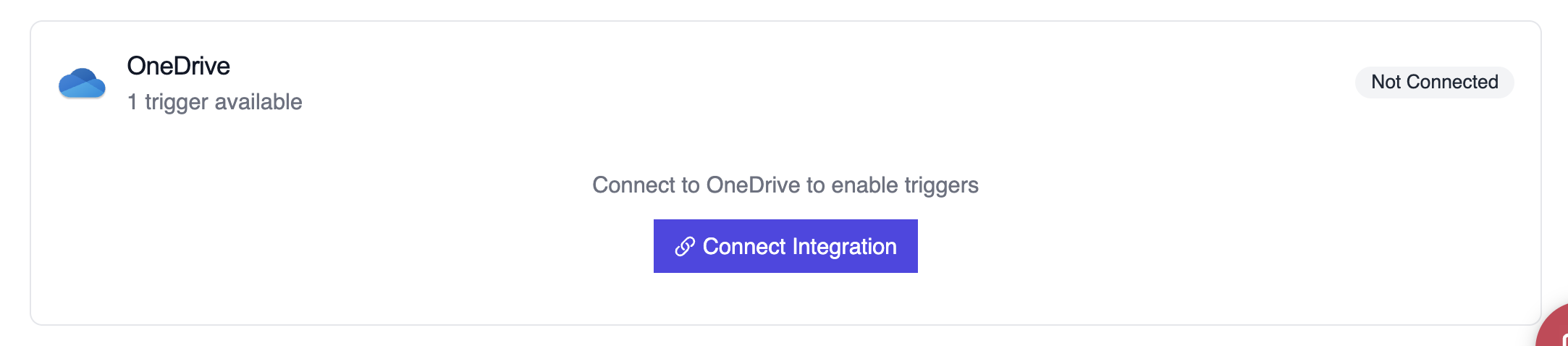
- Go to the Triggers tab
- Locate OneDrive and switch the toggle to enable
Example: Audit file permissions
섹션 제목: “Example: Audit file permissions”from onedrive_file_crew import OneDriveFileTrigger
crew = OneDriveFileTrigger().crew()crew.kickoff({ "crewai_trigger_payload": onedrive_payload,})The crew inspects file metadata, user activity, and permission changes to produce a compliance-friendly summary.
로컬에서 테스트
섹션 제목: “로컬에서 테스트”CrewAI CLI를 사용하여 OneDrive 트리거 통합을 로컬에서 테스트하세요:
# 사용 가능한 모든 트리거 보기crewai triggers list
# 실제 payload로 OneDrive 트리거 시뮬레이션crewai triggers run microsoft_onedrive/file_changed
crewai triggers run 명령은 완전한 OneDrive payload로 크루를 실행하여 배포 전에 파싱 로직을 테스트할 수 있게 해줍니다.
Troubleshooting
섹션 제목: “Troubleshooting”- Ensure the connected account has permission to read the file metadata included in the webhook
crewai triggers run microsoft_onedrive/file_changed로 로컬 테스트하여 정확한 payload 구조를 확인하세요- If the trigger fires but the payload is missing
permissions, confirm the site-level sharing settings allow Graph to return this field - For large tenants, filter notifications upstream so the crew only runs on relevant directories
- 주의: 트리거 실행을 시뮬레이션하려면
crewai triggers run을 사용하세요 (crewai run이 아님)