Google Drive Trigger
Overview
섹션 제목: “Overview”Trigger your automations when files are created, updated, or removed in Google Drive. Typical workflows include summarizing newly uploaded content, enforcing sharing policies, or notifying owners when critical files change.
Enabling the Google Drive Trigger
섹션 제목: “Enabling the Google Drive Trigger”- Open your deployment in CrewAI AMP
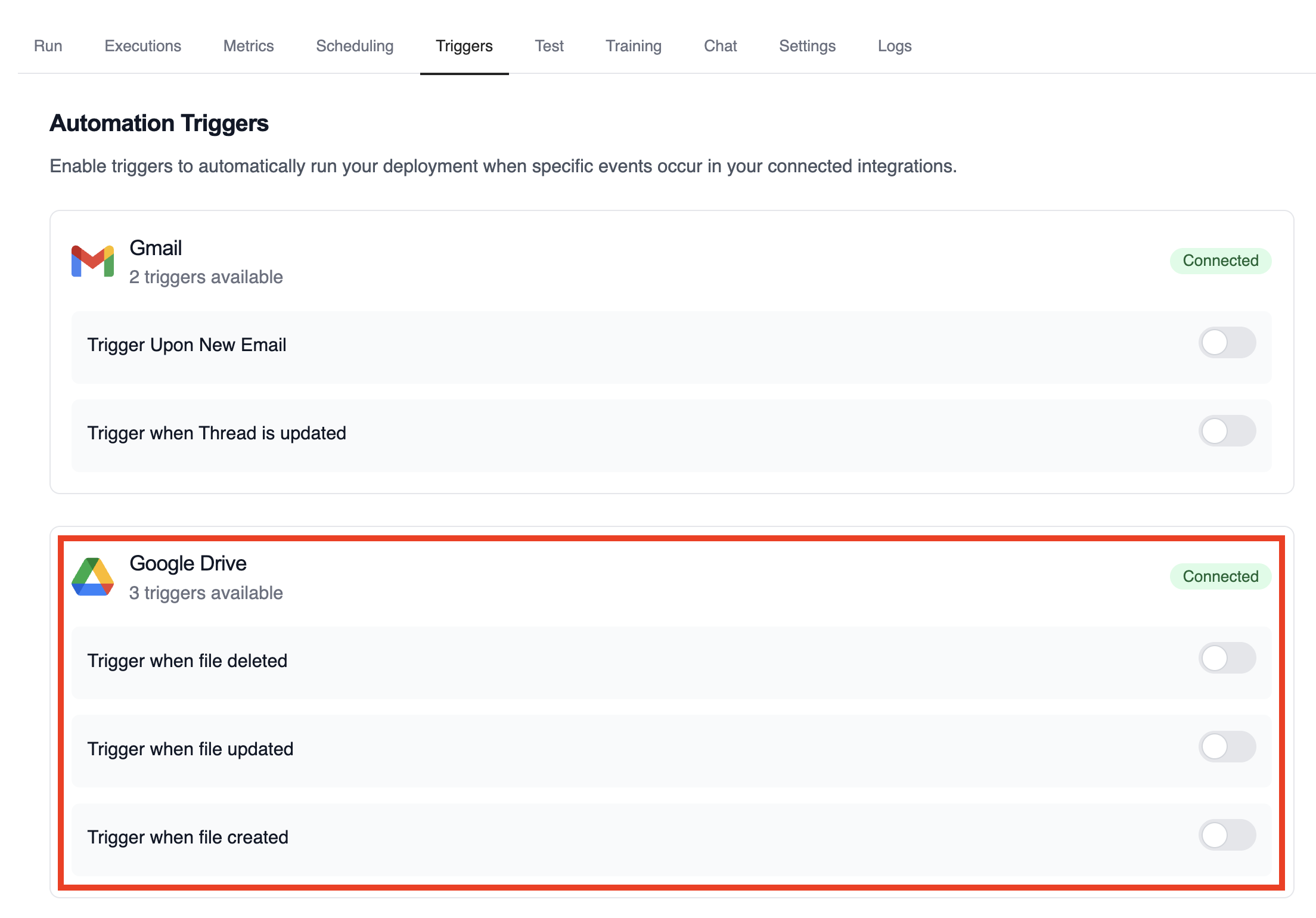
- Go to the Triggers tab
- Locate Google Drive and switch the toggle to enable
Example: Summarize file activity
섹션 제목: “Example: Summarize file activity”The drive example crews parse the payload to extract file metadata, evaluate permissions, and publish a summary.
from drive_file_crew import GoogleDriveFileTrigger
crew = GoogleDriveFileTrigger().crew()crew.kickoff({    "crewai_trigger_payload": drive_payload,})
로컬에서 테스트
섹션 제목: “로컬에서 테스트”CrewAI CLI를 사용하여 Google Drive 트리거 통합을 로컬에서 테스트하세요:
# 사용 가능한 모든 트리거 보기crewai triggers list
# 실제 payload로 Google Drive 트리거 시뮬레이션crewai triggers run google_drive/file_changed
crewai triggers run 명령은 완전한 Drive payload로 크루를 실행하여 배포 전에 파싱 로직을 테스트할 수 있게 해줍니다.
Monitoring Executions
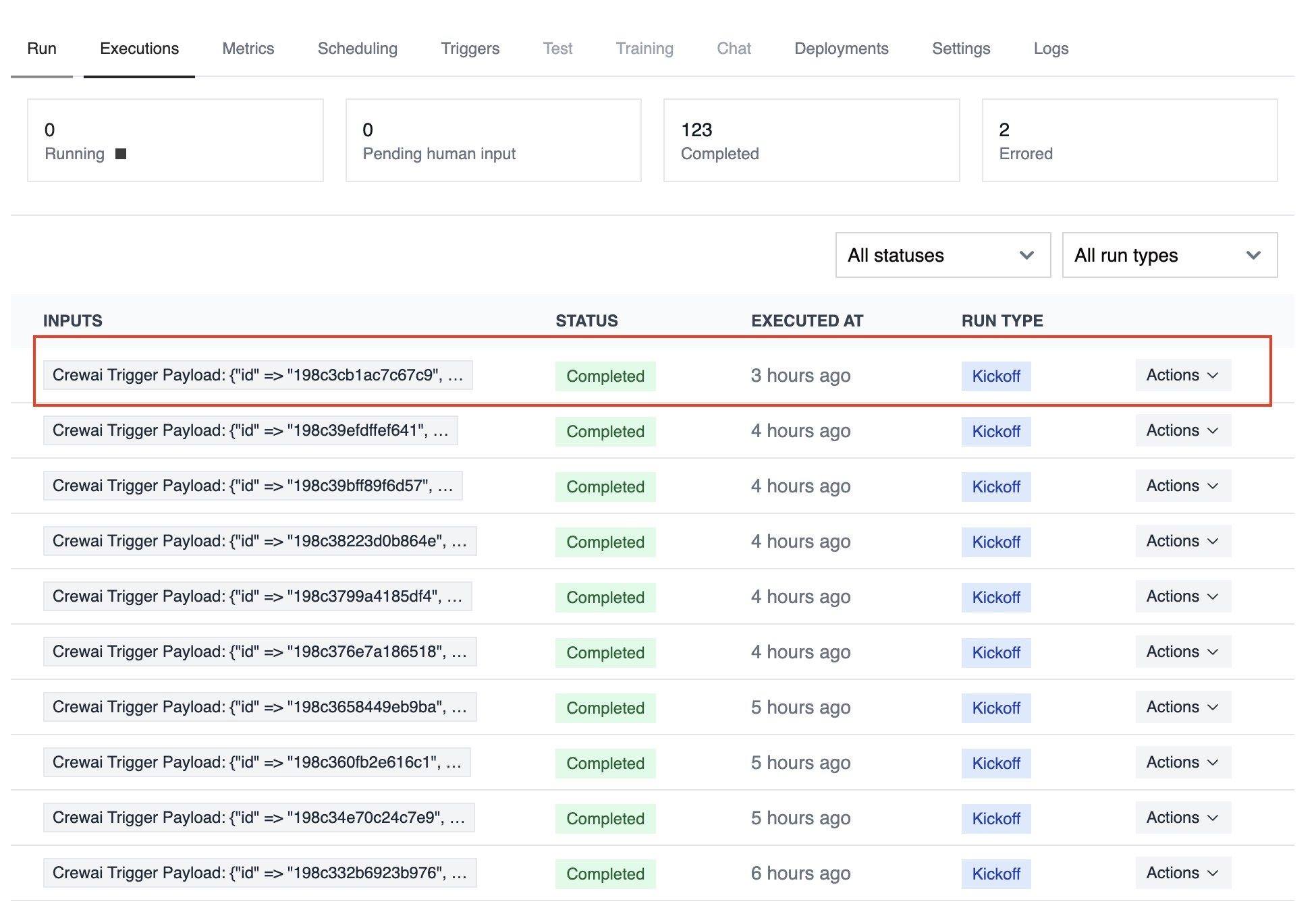
섹션 제목: “Monitoring Executions”Track history and performance of triggered runs with the Executions list in the deployment dashboard.
Troubleshooting
섹션 제목: “Troubleshooting”- Verify Google Drive is connected and the trigger toggle is enabled
crewai triggers run google_drive/file_changed로 로컬 테스트하여 정확한 payload 구조를 확인하세요- If a payload is missing permission data, ensure the connected account has access to the file or folder
- The trigger sends file IDs only; use the Drive API if you need to fetch binary content during the crew run
- 주의: 트리거 실행을 시뮬레이션하려면
crewai triggers run을 사용하세요 (crewai run이 아님)